Never Miss a Step During Your Office Move
Office moves fail when details slip through the cracks. Use our proven checklist to stay on track from planning day to move-in day.
Vector Installation Services has managed over 2,000 commercial moves across Southern California. We distilled everything we learned into this comprehensive office moving checklist so your relocation stays on schedule, on budget, and disruption-free.
No obligation · Takes 30 seconds
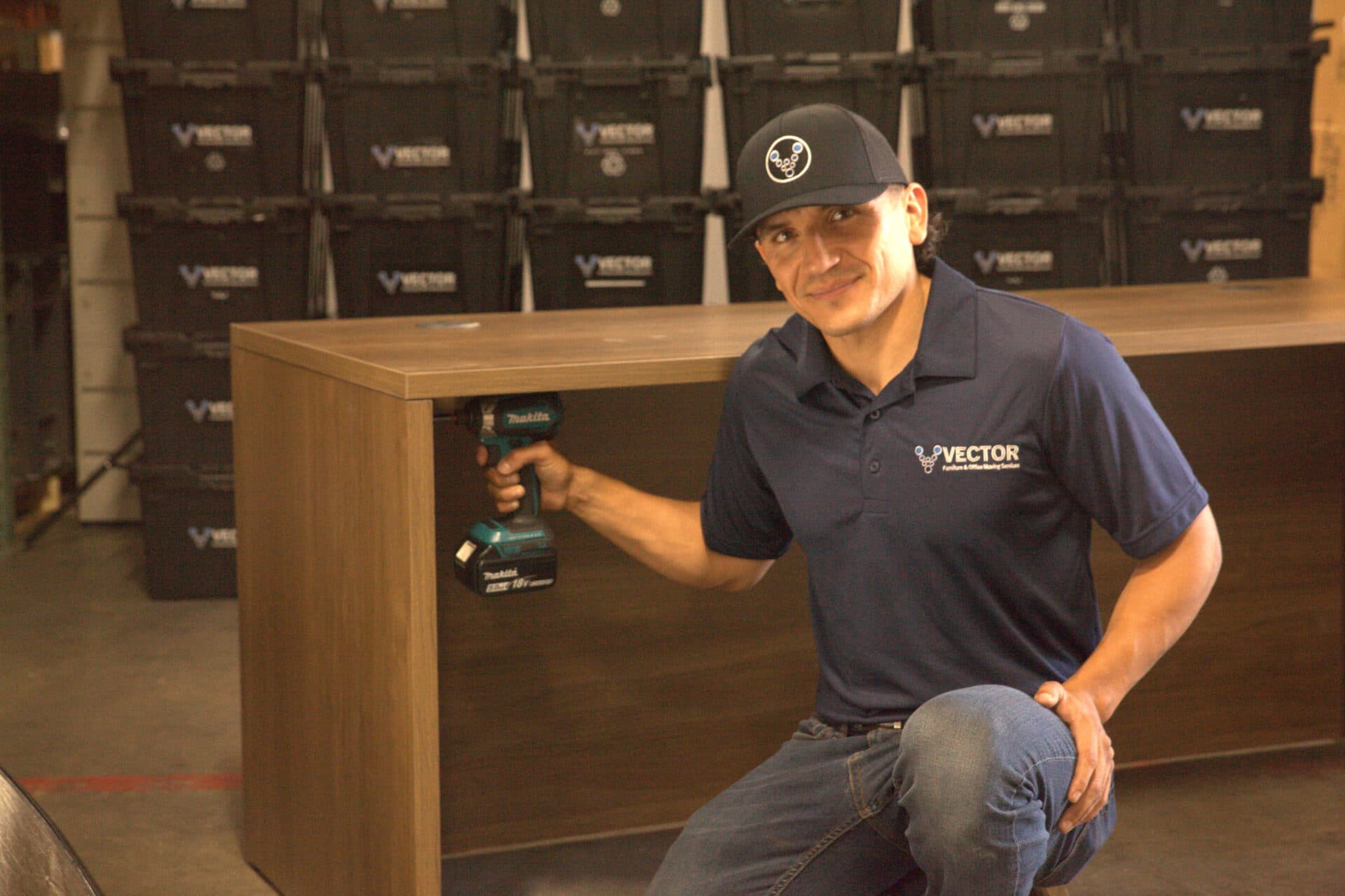
20Ksqft
Warehouse
The Problem With Most Contractors
✕What You're Dealing With
No Clear Timeline
Without a structured plan, critical tasks like IT migration, furniture disassembly, and lease coordination happen out of order or get forgotten entirely.
Employee Confusion
Staff don't know what to pack, when to pack, or where they'll sit at the new location, leading to lost productivity and frustration.
Vendor Miscommunication
Movers, IT providers, and furniture installers arrive at conflicting times because no one owns the master schedule.
Budget Overruns
Last-minute surprises like elevator reservations, building access fees, and overtime charges blow past your original budget.
The Vector Difference
Phase-by-Phase Roadmap
Our checklist breaks your move into clear phases with deadlines so nothing falls through the cracks.
Employee Communication Templates
Proven communication plans that keep your team informed and prepared at every milestone.
Single-Vendor Simplicity
Vector handles furniture, moving, and installation so you coordinate with one team instead of five.
Fixed-Price Certainty
We quote the full scope upfront so you can budget with confidence. No hourly billing surprises.
Free walkthrough · No obligation
Recent Projects
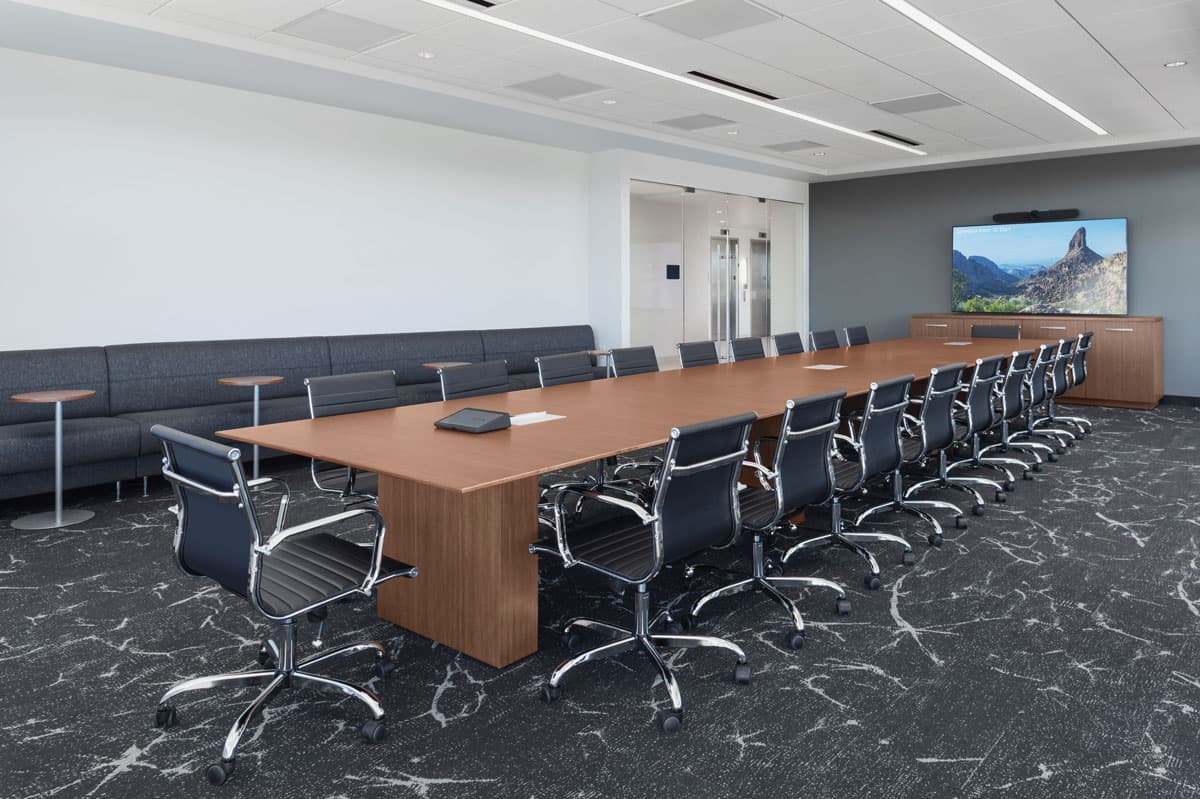
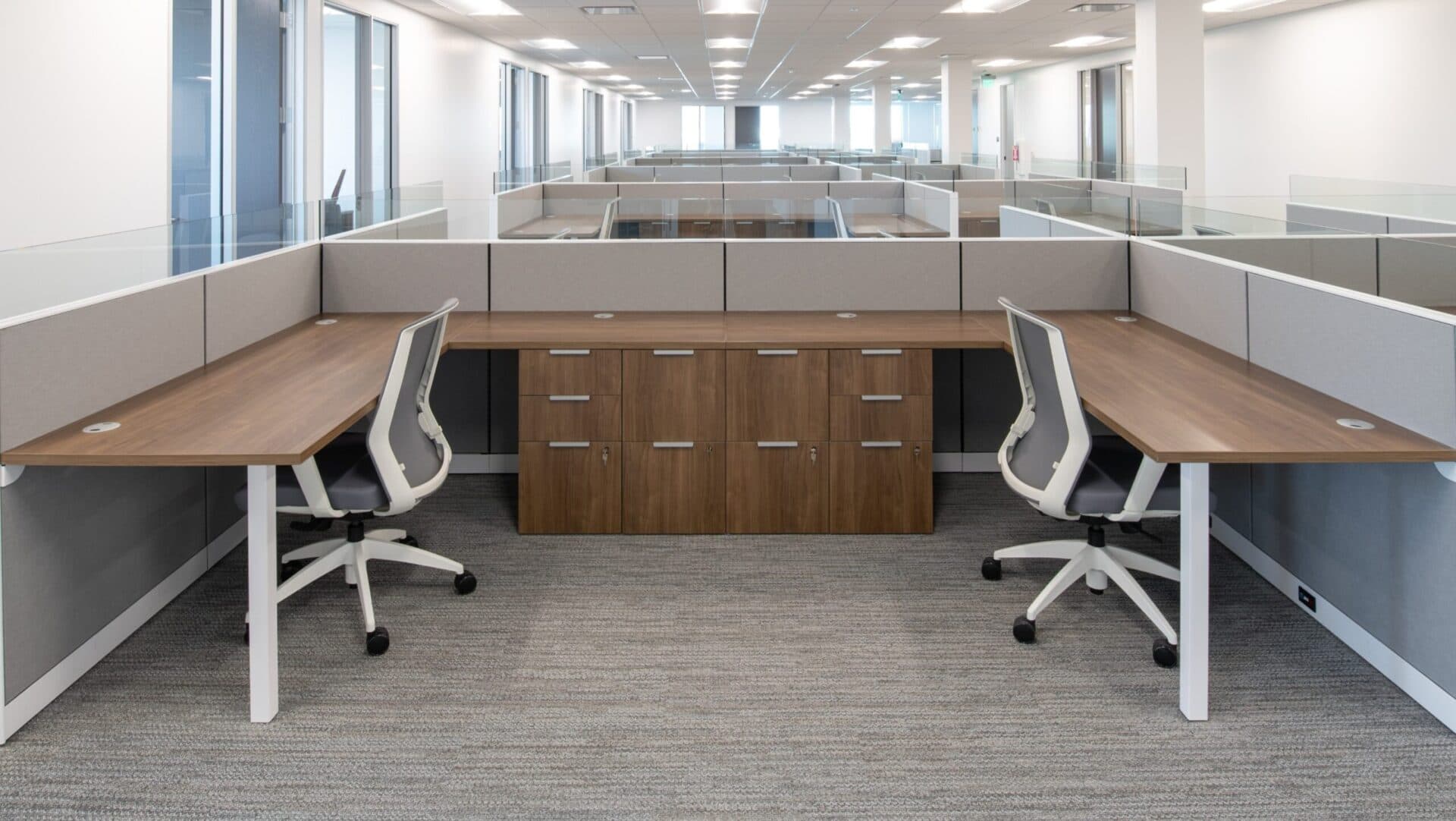
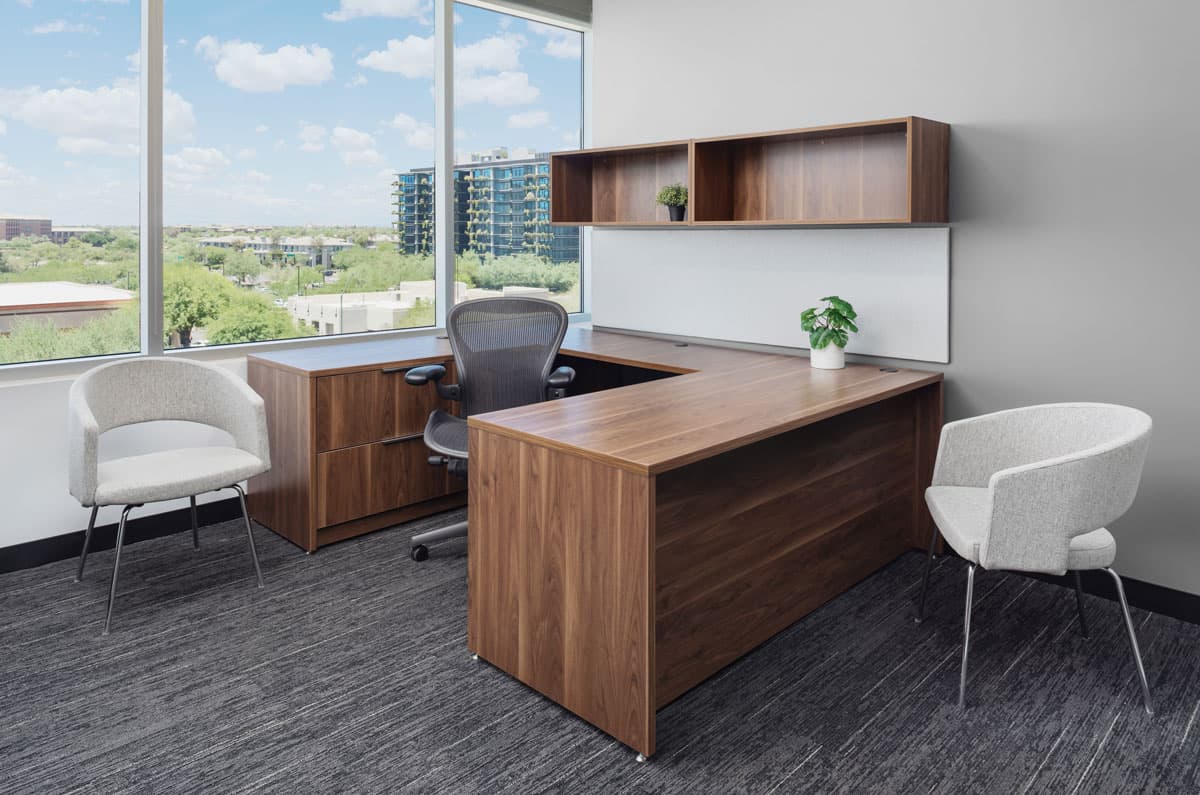
How It Works
Simple, predictable, stress-free.
- 1
8-12 Weeks Out: Planning & Budgeting
Assemble your move team, set the budget, choose your move date, and notify your landlord. Schedule a site survey with Vector for your fixed-price quote.
- 2
4-8 Weeks Out: Vendor Coordination
Confirm movers, IT disconnect/reconnect, furniture installation, and building access. Distribute employee move packets and seating assignments.
- 3
1-4 Weeks Out: Packing & Prep
Distribute moving crates, label everything by department and floor, schedule elevator reservations, and confirm insurance coverage.
- 4
Move Weekend: Execution
Vector's crew handles furniture disassembly, transport, and reinstallation. IT reconnects workstations. Final walkthrough at the old and new site.
- 5
Week 1 Post-Move: Settle In
Unpack remaining items, verify all furniture and equipment is functional, collect employee feedback, and close out the old lease.
What's Included
Full-Service Move Management
Vector assigns a dedicated project manager who owns the schedule, coordinates vendors, and keeps your move on track from start to finish.
Packing & Labeling Services
We supply reusable moving crates, label every item by department and destination, and handle all furniture disassembly and protection.
IT Coordination Support
We coordinate with your IT team or MSP to schedule workstation disconnect and reconnect so nothing gets crossed.
Insurance & Compliance
CSLB licensed and insured with $2M+ coverage. We handle COIs, building access paperwork, and elevator reservations.
Transparent, Fixed-Price Quotes
We provide a written proposal before work begins, with the requested services and assumptions documented for review.
Project scope
Your Invoice Will Never Exceed Your Quote
- Your invoice will never exceed your quote
- No hourly billing surprises
- Free on-site assessment included
- Detailed scope of work before we start
Frequently Asked Questions
We recommend starting 8-12 weeks before your target move date. Larger offices (50+ employees) should begin planning 12-16 weeks out to allow time for furniture ordering, IT planning, and building coordination.
Underestimating the IT component. Servers, phone systems, and workstation reconnection take careful planning. We recommend looping in your IT team or MSP at least 6 weeks before the move.
We handle furniture disassembly, transport, reinstallation, and new furniture assembly. We also coordinate with IT vendors and provide reusable moving crates. The only thing we don't do is personal item packing for employees.
Yes. We rent reusable plastic moving crates that are sturdier and more sustainable than cardboard. They stack securely, have lids, and are delivered and picked up on your schedule.
Our project managers create a phased move plan that sequences each floor or building to minimize disruption. We coordinate elevator access, loading dock schedules, and after-hours building entry.
We walk your current and new space, inventory all furniture and equipment, note any access challenges, and deliver a detailed fixed-price quote within 48 hours.
We work with offices of all sizes, from 5-person startups to 500+ employee corporate relocations. Every project gets the same level of planning and care.
Still have questions?
Call Us: (714) 631-7451Where We Work
Based in Buena Park, CA · Serving all of Southern California
Orange County
Anaheim, Irvine, Santa Ana, Huntington Beach, Costa Mesa, Buena Park, Fullerton, Orange, Tustin, Lake Forest
Los Angeles
Downtown LA, Pasadena, Long Beach, Torrance, Burbank, Glendale, Century City, Santa Monica, El Segundo, Culver City
Inland Empire
Riverside, San Bernardino, Ontario, Rancho Cucamonga, Corona, Fontana, Moreno Valley, Pomona, Chino, Chino Hills
San Diego
Downtown San Diego, Carlsbad, Escondido, Oceanside, Vista, San Marcos, Encinitas, Chula Vista, National City, El Cajon
Related Services
Get Started
Let's Scope Your Project
Fill out the form, or reach out directly. We'll walk through your requirements, prepare a written project scope, and discuss scheduling.
Phone
(714) 631-7451Warehouse & Office
6388 Artesia Blvd. Buena Park, CA 90620
Licensed & Insured · CSLB# 1088412
Let Vector Handle the Heavy Lifting Handle the Heavy Lifting
You have the checklist. We have the crew, trucks, and 15+ years of experience. Get a free site survey and fixed-price quote for your office move.