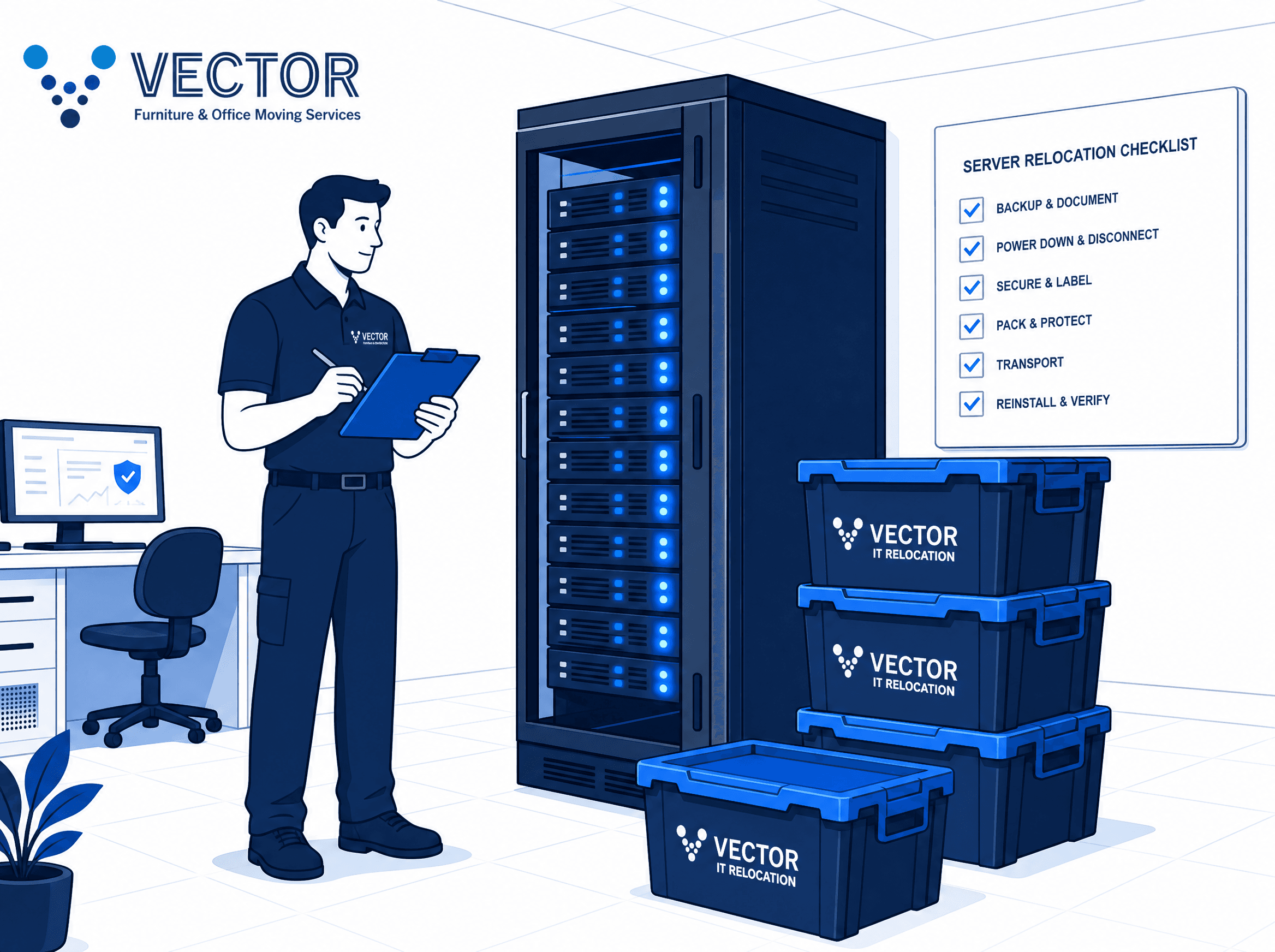
Relocating an office is stressful. But moving an entire server room? That’s where the real risk lies.
Your company’s IT infrastructure is the beating heart of your business operations. A dropped server, mislabeled cables, or unexpected data loss can turn a standard corporate relocation into a costly disaster.
Extended downtime means lost revenue, frustrated clients, and stressed employees.
Unlike standard office furniture, technology moving requires highly specialized handling. From maintaining proper climate controls to managing complex cable architectures, moving IT equipment demands absolute precision.
In this guide, we’ll walk you through exactly how to protect your server room and technology assets during a corporate move. Follow these steps to ensure a seamless transition with zero unnecessary downtime.
1. Conduct a Comprehensive IT Audit
Before a single cable is unplugged, you must know exactly what you have.
Conduct a full audit of your current server room. Document all physical hardware, switches, routers, and power supplies. This audit will serve as your master blueprint.
The Golden Rule of IT Relocation: Back up everything. Implement a redundant backup strategy using both cloud-based and physical off-site backups for all critical data. Test these backups thoroughly to ensure they can be restored if the unexpected happens.
Looking for a broader view of your move? Download our complete Office Moving Checklist to keep your entire project on track.
2. Implement a Strict Labeling System
The success of your reconnect heavily depends on the quality of your disconnect.
Relying on memory—or taking a few quick photos—is a recipe for disaster. Instead, implement a foolproof labeling strategy:
- Color-Coding: Use a standardized, color-coded tagging system for power cables, Ethernet cords, and fiber optics.
- Port-to-Port Mapping: Label both ends of every single cable. Note exactly which port on which device it belongs to.
- Detailed Documentation: Create a spreadsheet or use network mapping software. This allows your team to replicate the exact setup flawlessly at the new location.
3. Hire Professionals for IT Disconnect and Reconnect
Standard commercial movers are great for office furniture moving. However, they rarely have the specialized expertise required to handle enterprise-level servers and fragile network arrays.
Engaging a specialized team for IT Disconnect and Reconnect services ensures that hardware is powered down gracefully, de-racked properly, and packaged securely.
At Vector Installation Services, our specialized teams work directly with your IT department or facility managers. We ensure every piece of equipment is safely decommissioned and prepared for transport without risking static discharge or mechanical shock.
4. Use Anti-Static Packaging and Climate Control
Servers, hard drives, and network switches are incredibly sensitive to environmental changes. Proper packing and transportation are non-negotiable.
- Anti-Static Bubble Wrap: Never use standard bubble wrap for electronics. It generates static electricity that can destroy microchips! Always use specialized pink or silver anti-static packaging.
- Custom Crating: For large, heavy, or highly sensitive server racks, use custom wooden crating with foam inserts. This absorbs road shock and harmful vibrations.
- Climate-Controlled Vehicles: Extreme temperatures or humidity can warp motherboards or cause condensation. Ensure your business moving partner uses climate-controlled trucks equipped with air-ride suspension.
5. Prepare the Destination Server Room in Advance
Your new server room should be 100% operational before the equipment arrives.
- Cooling and HVAC: Verify that the dedicated cooling systems are active and holding the correct temperature.
- Power Requirements: Ensure all uninterruptible power supplies (UPS), backup generators, and dedicated circuits are fully installed and tested.
- Structured Data Cabling: Pre-wire the new office and server room with structured cabling so your network is ready to go the moment the racks are positioned.
6. Execute a Phased Reconnection and Testing Plan
Once the hardware arrives, the reconnection should follow a strict, logical sequence.
Rack the heaviest servers at the bottom to prevent tipping hazards, and employ meticulous cable management as you reconnect each device.
Before allowing employees back onto the network, run extensive diagnostic tests. Check firewall configurations, verify intranet connectivity, and ensure all data from your redundant backups is intact and accessible.
If you're managing a complex relocation, utilizing professional project management services can help coordinate these testing phases seamlessly alongside the physical move.
Don't Leave Your IT Relocation to Chance
A seamless corporate move requires more than just heavy lifting—it requires deep technical expertise. At Vector Installation Services, we specialize in comprehensive commercial moving, including expert IT disconnects and reconnects.
We ensure your most valuable assets are moved securely, so your business experiences minimal disruption.
Ready to plan a secure and efficient move? Get a Quote Today and let our experts safeguard your IT infrastructure during your next corporate relocation.